Skip to content

Latest drop

2026-10-12 · undefined min
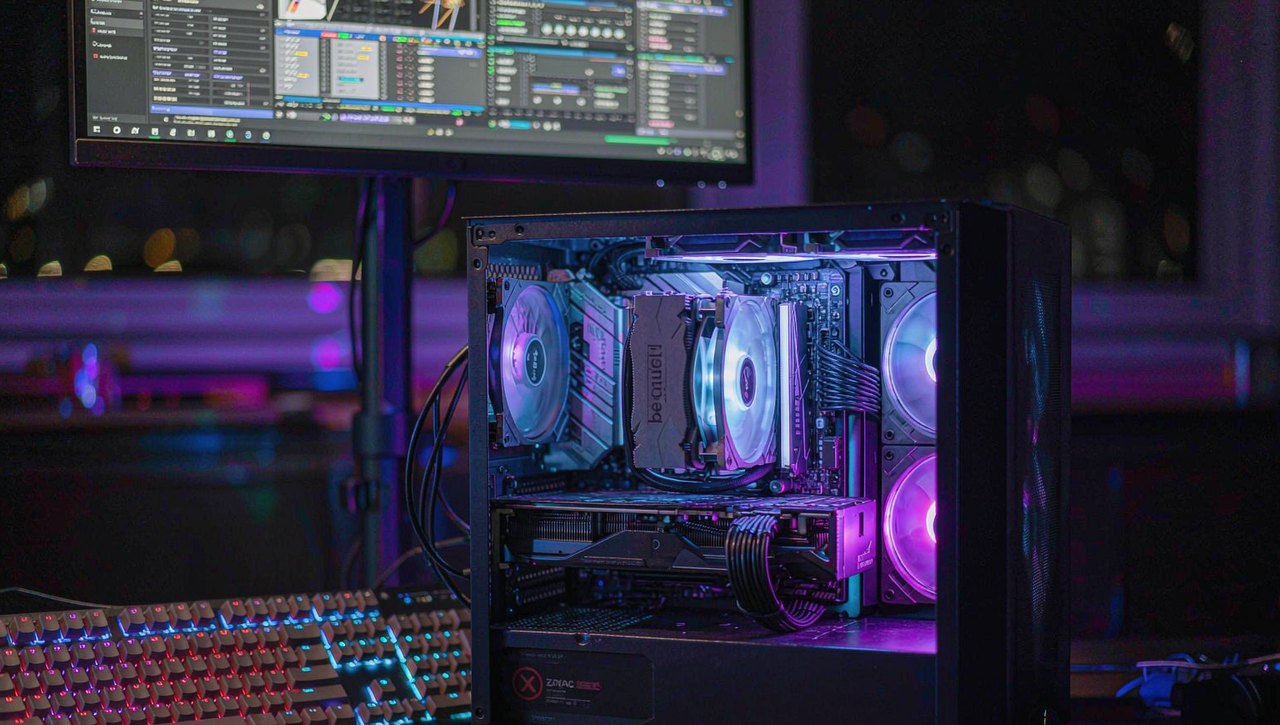
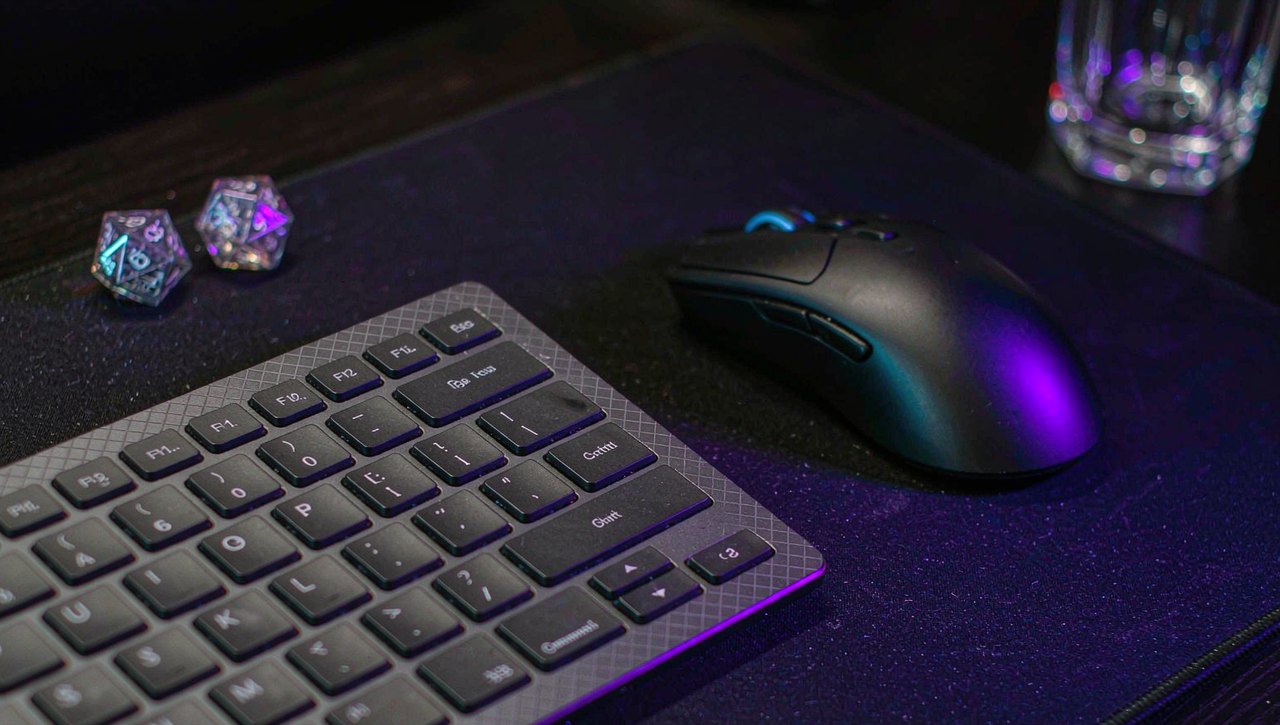
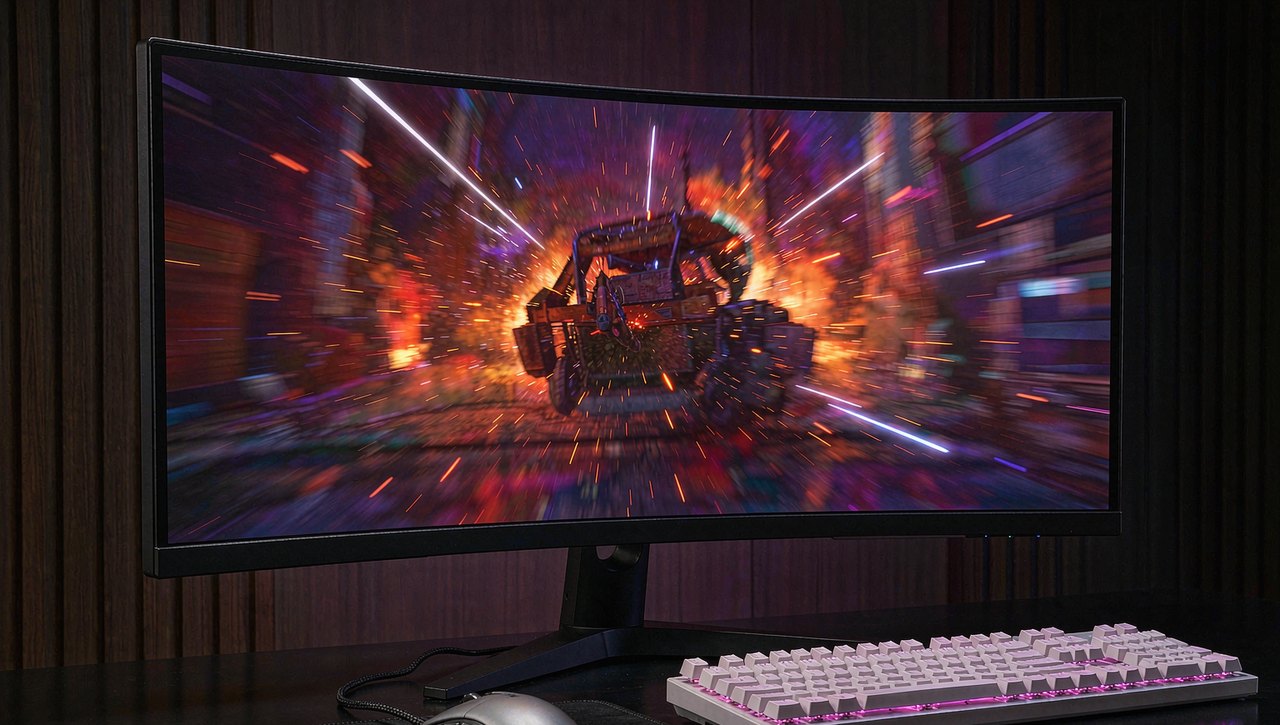
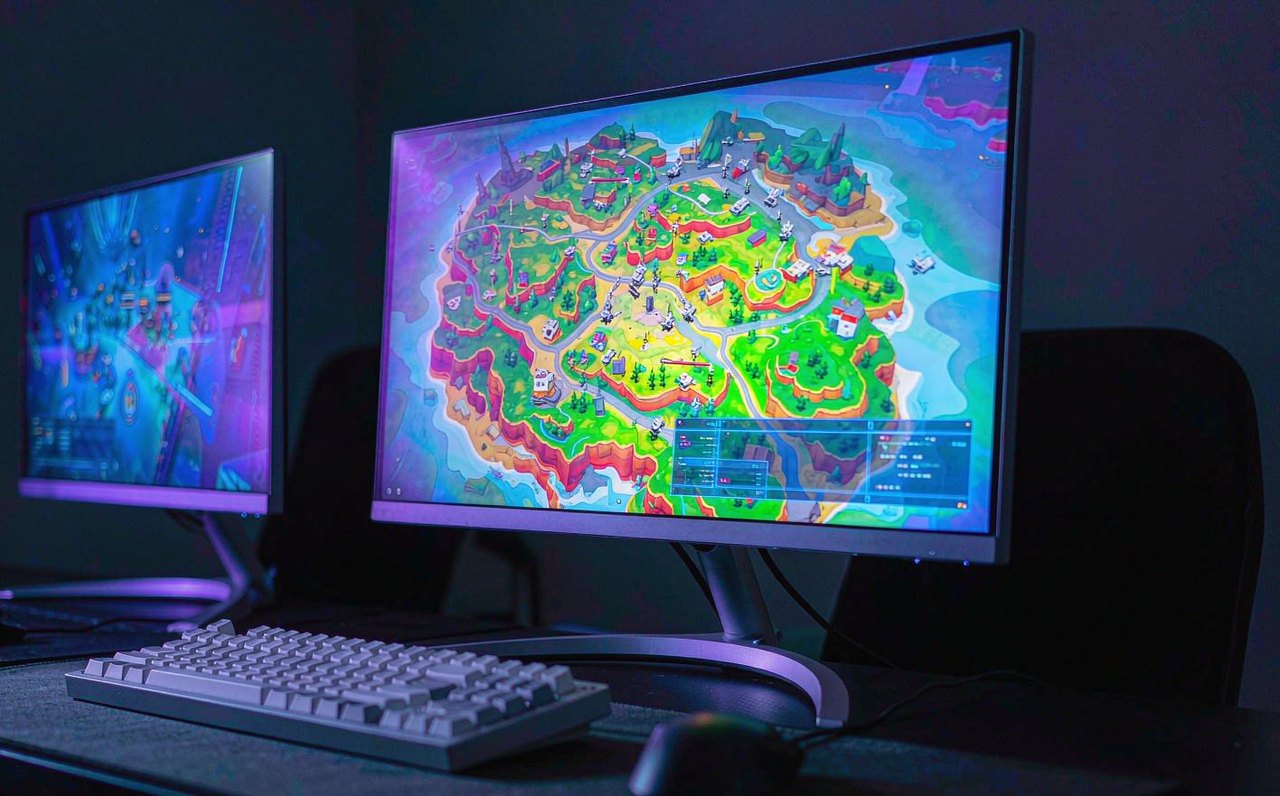
A dark gaming setup with a monitor glowing purple and an RGB keyboard, photographed at an angle New

Fix Steam Games That Won't Launch on PC

The Play button flips to blue and nothing happens, or the process starts and dies silently. A diagnosis-first order of fixes: file verification, cache, overlays, antivirus, drivers, and launch options.

Guides

27

Topics

23

Median read

9m

Last update

2026-10-12

All guides

View all
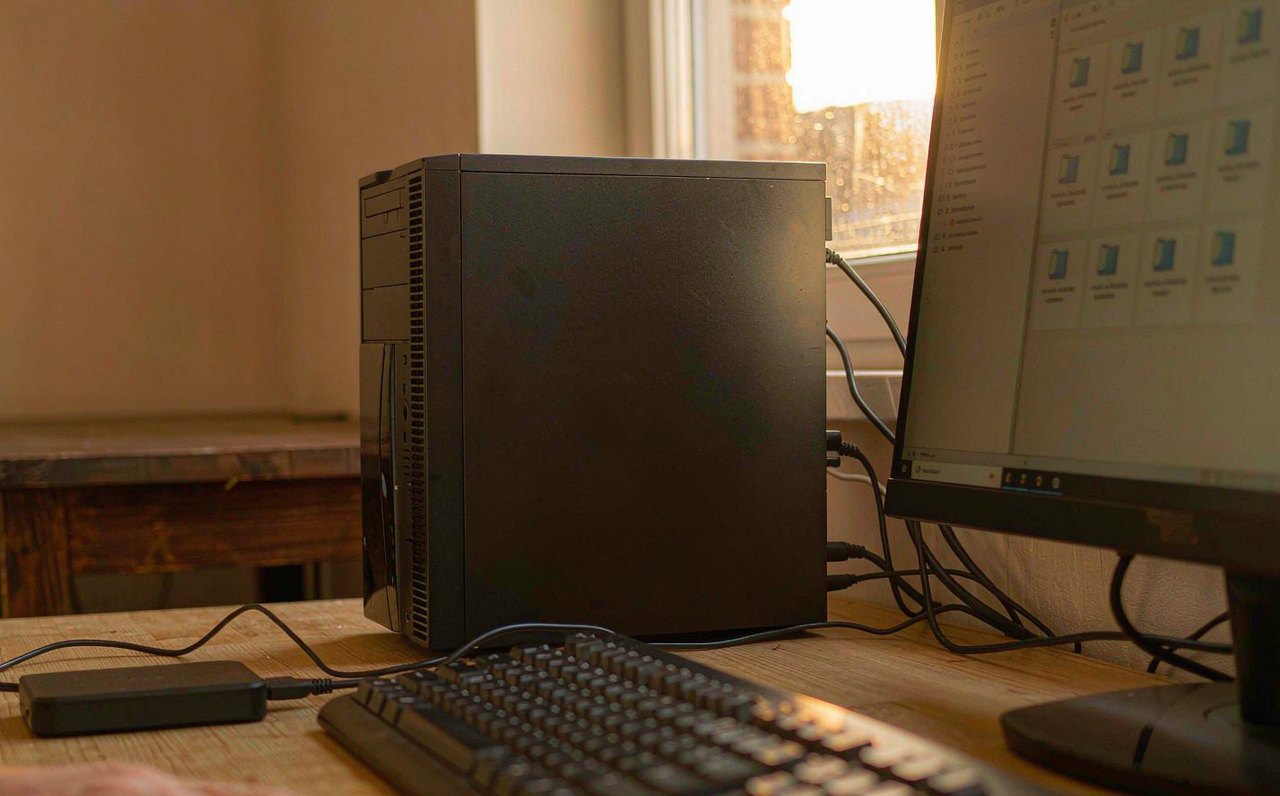
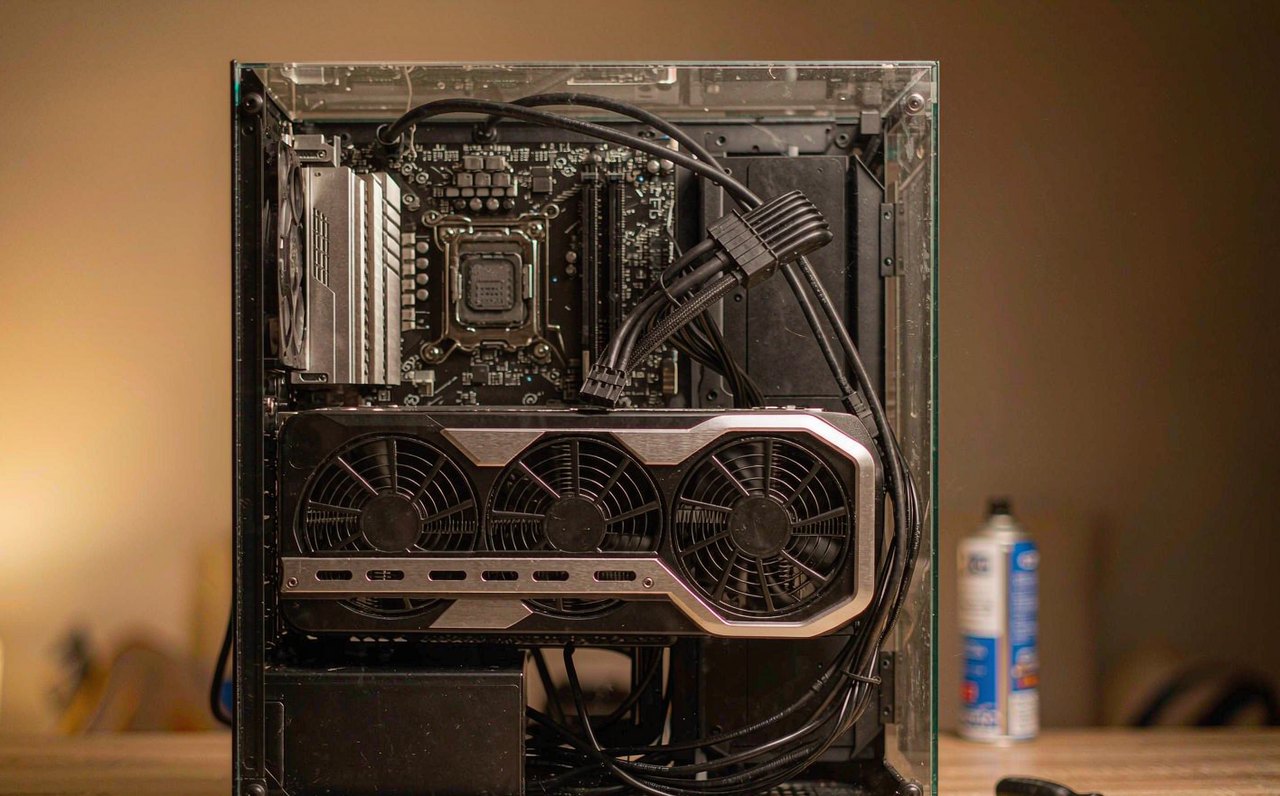
A desktop gaming PC with its side panel removed, showing a large graphics card lit by warm indoor light on a wooden desk
9 min

Fix "Display Driver Stopped Responding" Game Crashes

The game freezes, the screen goes black for a second or two, and Windows announces the display driver has recovered — or the game just dies with no error at all. That pattern has a technical name and a paper trail in Event Viewer. This walkthrough confirms the diagnosis first, then works through the five causes in the order that finds the culprit fastest.

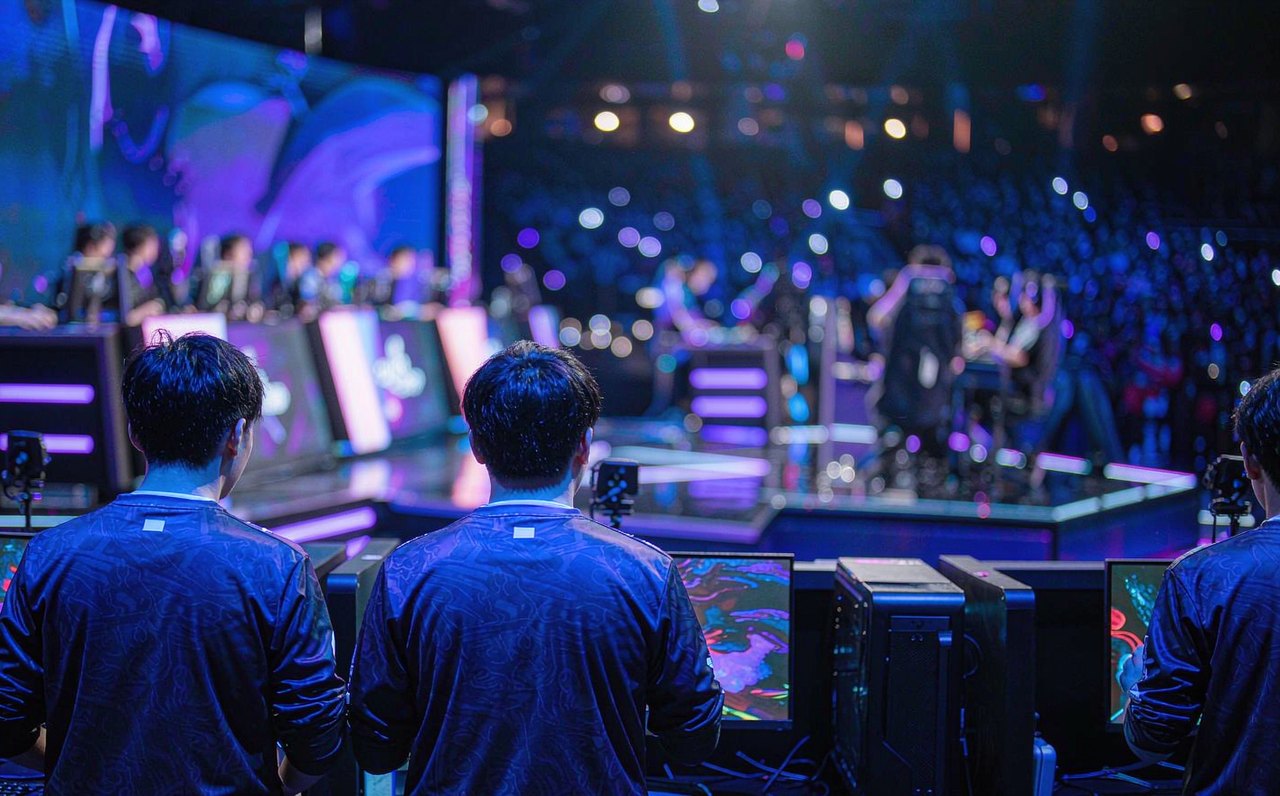
Professional esports players seen from behind at competition PCs on a lit arena stage, with blurred audience lights in the background
8 min

How Long Do Esports Careers Actually Last? The Numbers

"Esports pros are washed by 25" gets repeated until it sounds like a law of nature. The public record — reaction-time research, roster transaction databases, league age rules, and a few stubborn exceptions — tells a more specific story: which game, which role, and how the industry pays decide career length far more than birthdays do. Every number here comes from a named public source you can check yourself.

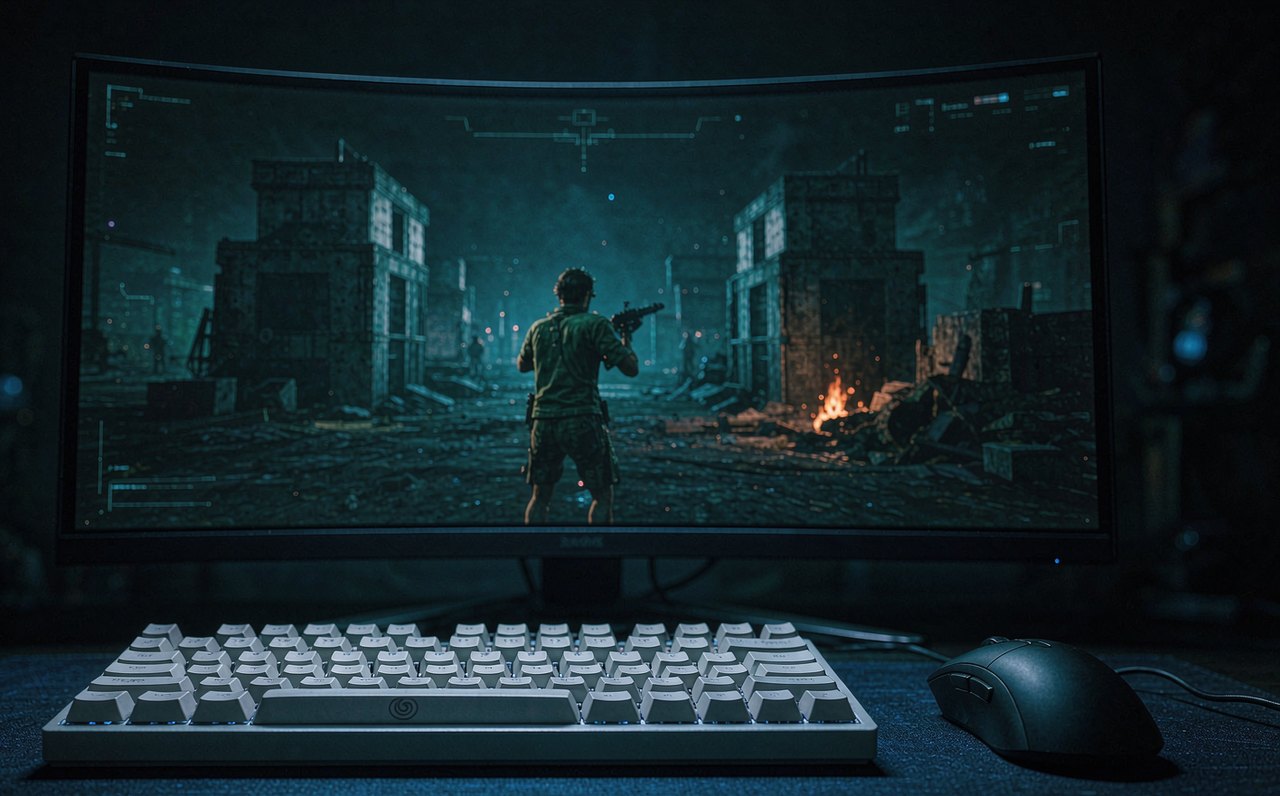
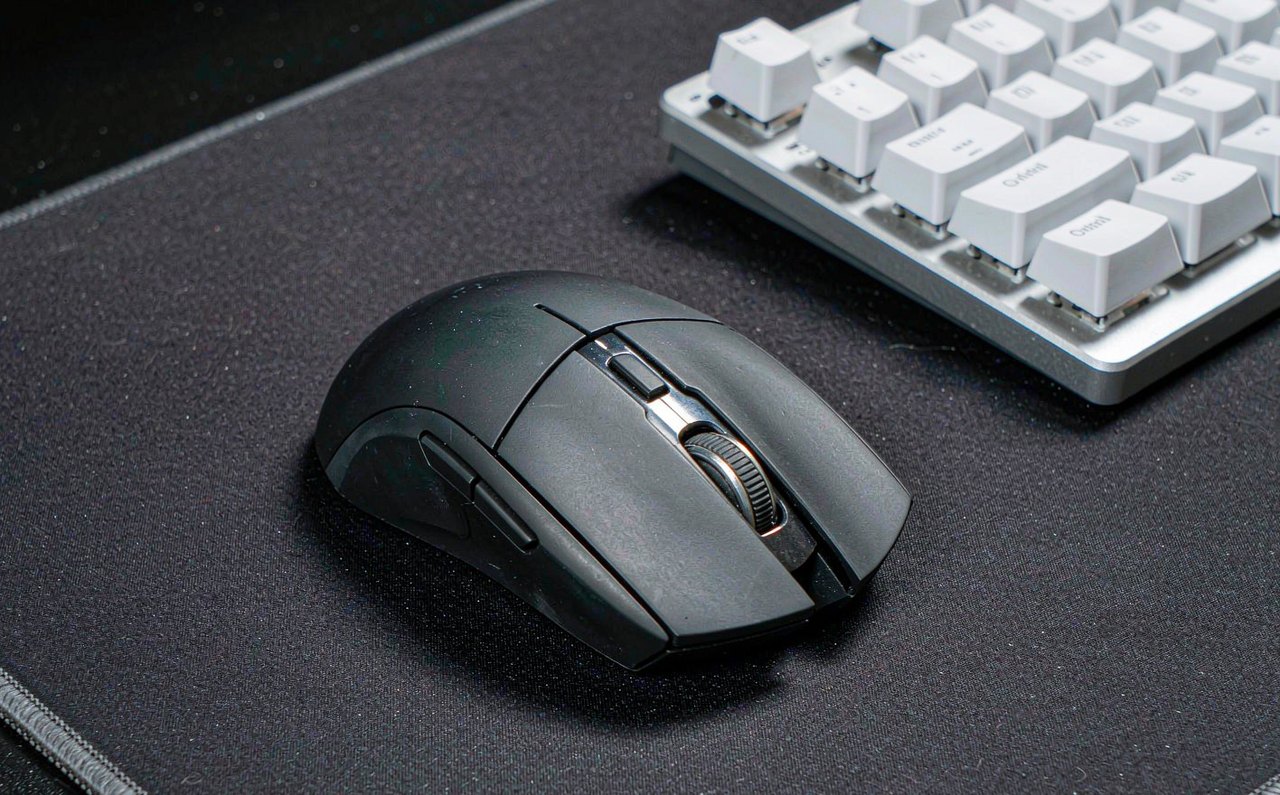
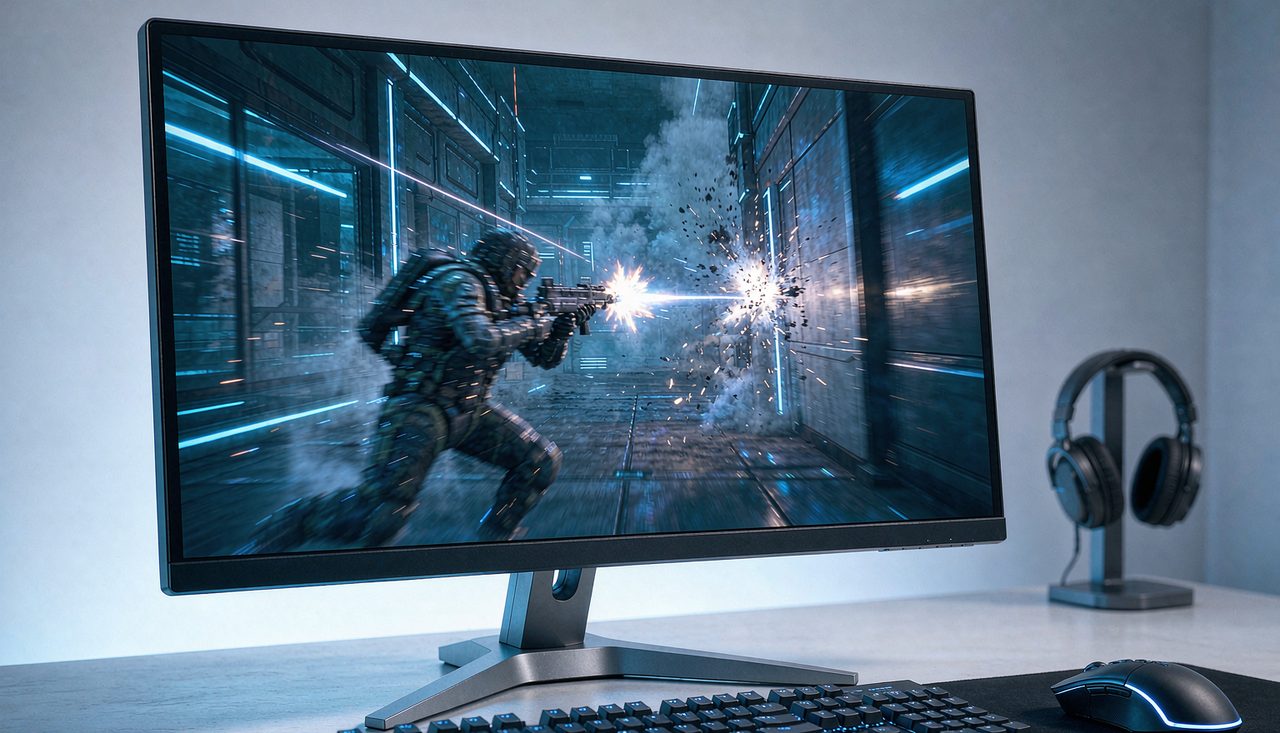
A competitive first-person shooter match mid-round on a wide monitor in a dim room, with a mechanical keyboard and gaming mouse in the foreground
8 min

CS2 Settings That Actually Cost FPS (And What to Pick)

Counter-Strike 2 runs on Source 2, and most CS:GO-era advice — especially launch options — stopped applying. This guide sorts the CS2 video menu by measured cost: the few settings that genuinely eat frames, the ones that cost nothing, and the visibility settings competitive players should never cheap out on. Change one setting at a time and verify with the built-in FPS counter.

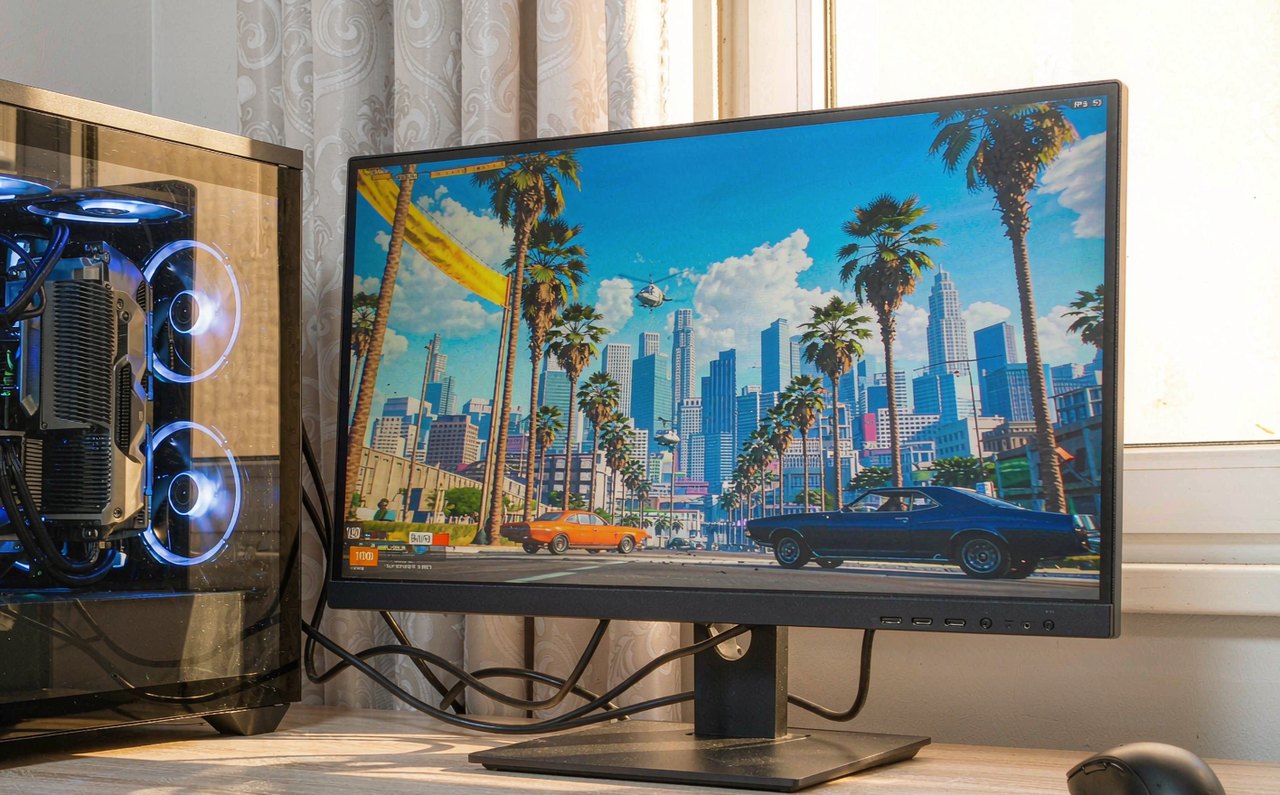
A PC gaming setup showing a Los Santos-inspired sunny city skyline on screen, with a graphics settings menu overlay and an FPS counter
9 min

GTA V PC Graphics Settings, Ranked: Where Your FPS Actually Goes

GTA V is a decade old and still one of the most-played PC games, but its graphics menu hides a trap: one setting can cost you half your frame rate while three others cost almost nothing. This breakdown ranks every meaningful option by real FPS impact, explains what the Advanced Graphics tab actually does, and ends with the built-in benchmark so you can verify your own numbers.

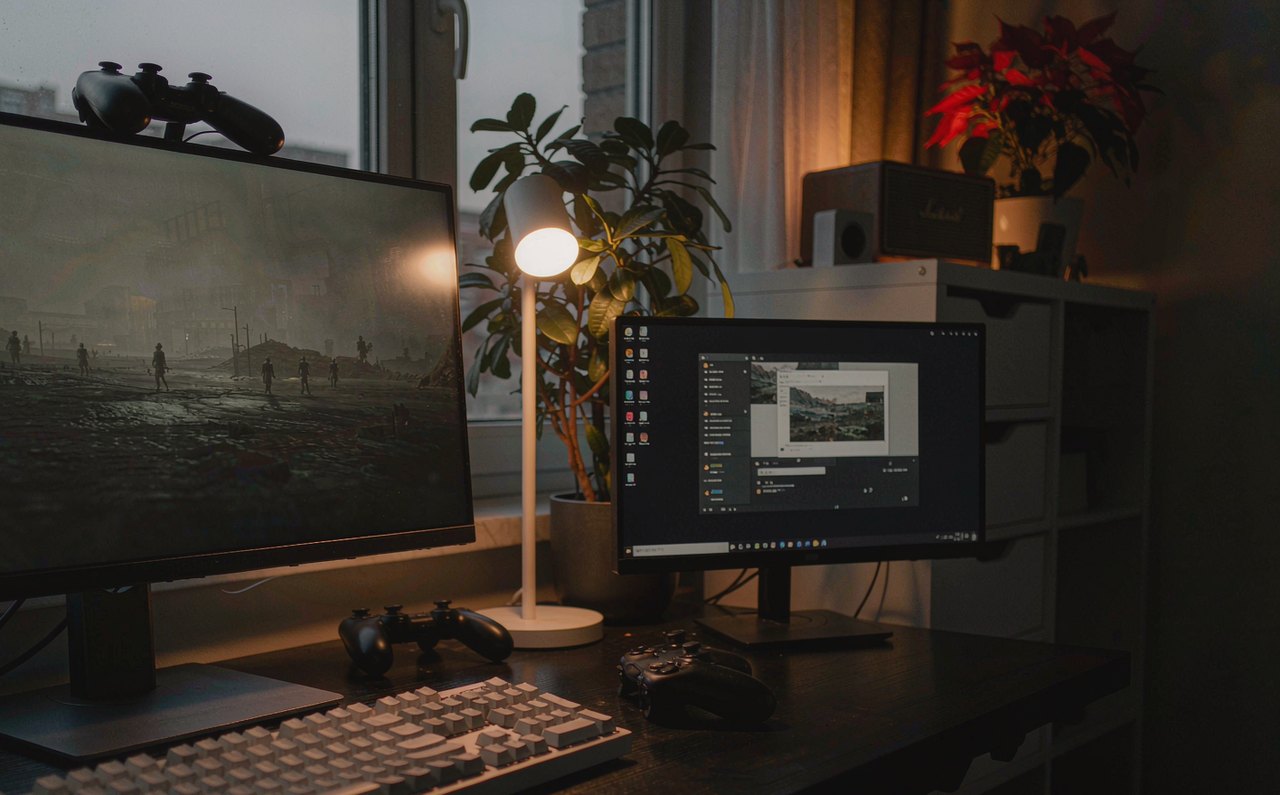
A widescreen gaming monitor on a desk displaying a dim, gray-toned landscape, with the Windows HDR settings screen visible on a second screen beside it
8 min

HDR Looks Washed Out on Windows: Fix the Grayscale, Not Your Monitor

You turned HDR on and the game went flat and gray instead of bright and punchy. That is a brightness-mapping problem, not a broken monitor — and it has five specific, fixable causes: the SDR slider, an uncalibrated HDR profile, a wrong in-game paper-white value, an RGB range mismatch, or the game never outputting HDR at all. Here is how to tell them apart.

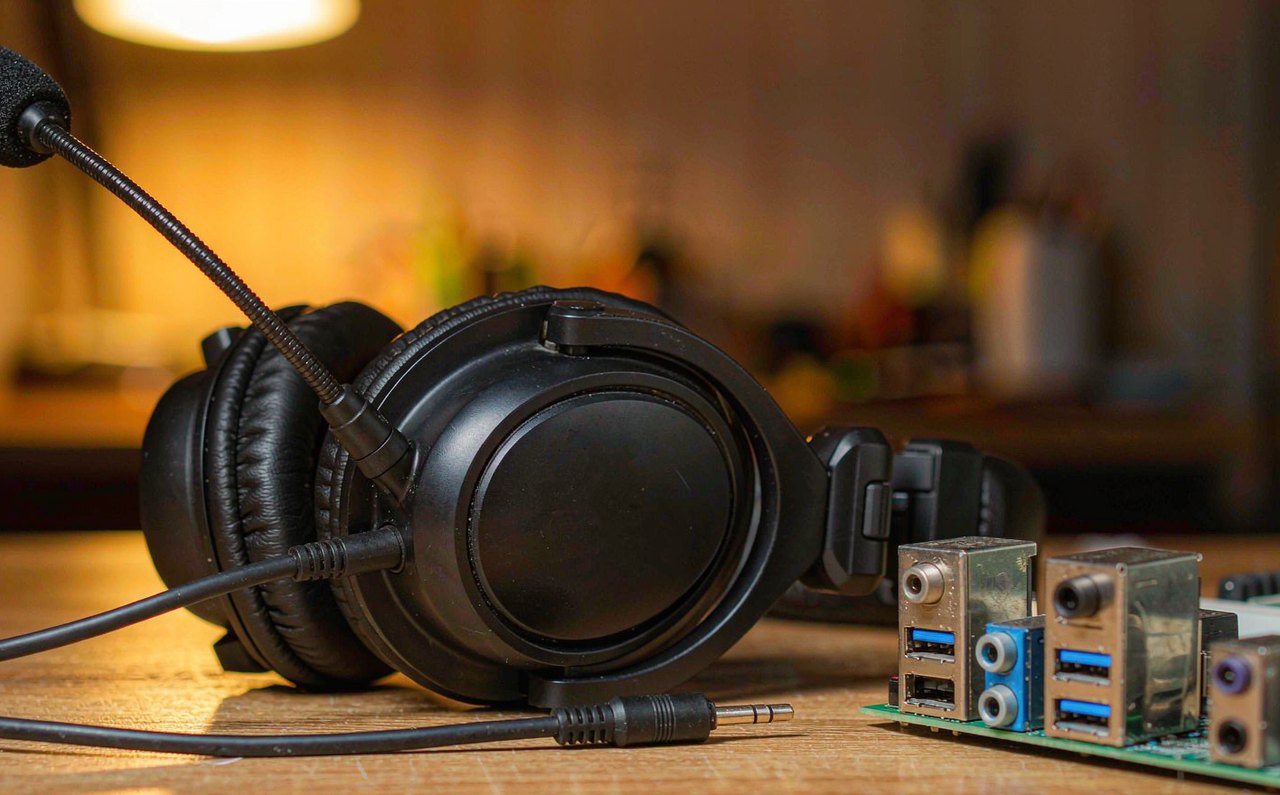
A gaming headset with a boom microphone resting on a desk beside an audio jack splitter cable
9 min

Headset Mic Static on PC: Fixes for Every Common Cause

Your friends hear a crackle under your voice, or a hiss that never stops. Static has a short list of physical and Windows-level causes, and this walkthrough tests them in order — starting with the 60-second recording that tells you whether the problem is even on your PC.