That "1ms" Monitor Spec Is Not What You Think: GtG, MPRT, and How to Read It Honestly
Almost every gaming monitor claims 1ms, yet measured pixel transitions on those same panels routinely land between 2 and 8 milliseconds — and a 1ms MPRT figure can coexist with slow pixels entirely. Here is what GtG and MPRT actually measure, why the frame-time math makes the difference visible, and how to buy on measured data instead of box numbers.
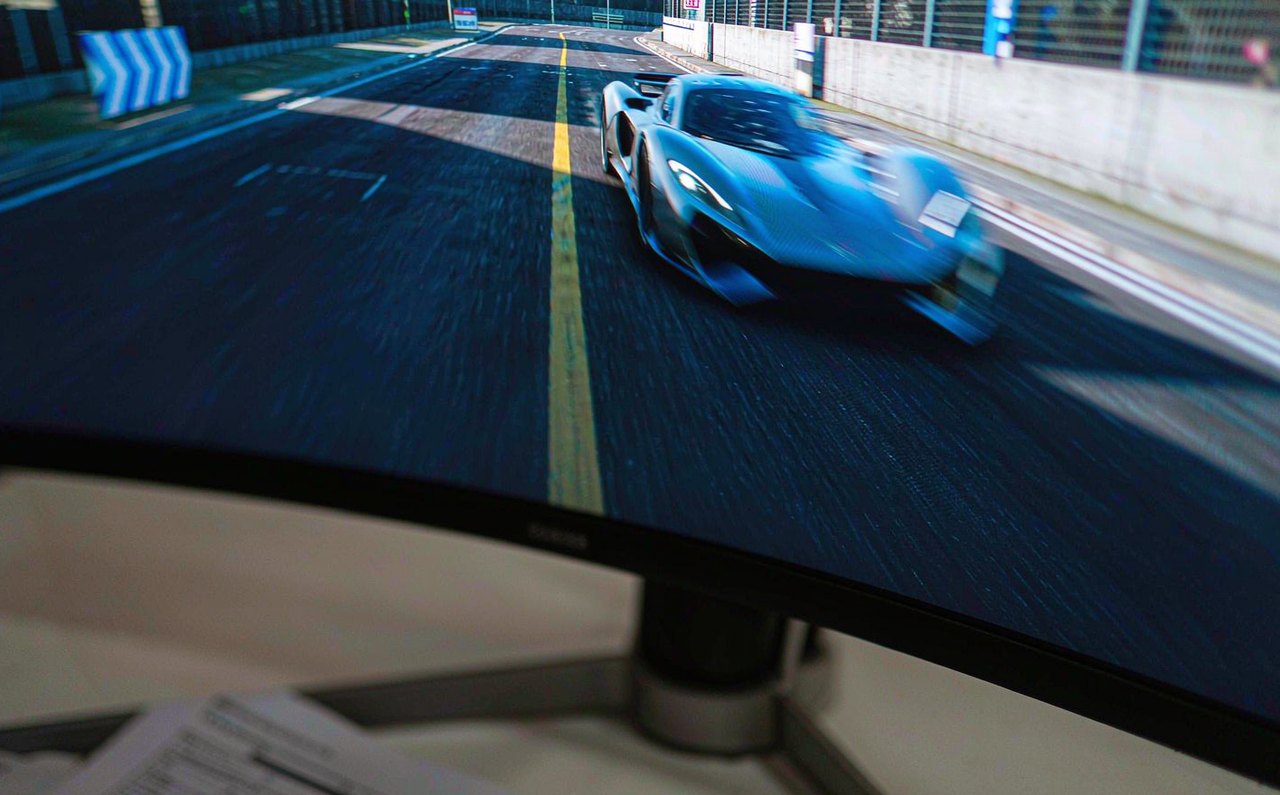
Flip the box of any gaming monitor and you will find the same number: 1ms. Flip the box of a competing monitor at half the price and you will find it again. Two displays cannot both be equally fast at every price point, and the resolution of that paradox is that "1ms" is not one measurement — it is a marketing container for at least two different, non-comparable numbers, each cherry-picked from a distribution of dozens. Understanding what GtG and MPRT actually measure takes about ten minutes and permanently changes how you read spec sheets.
The core distinction in one sentence: response time describes how fast pixels physically change color, and the honest version of that number is an average across transitions, not a best case. Anything else on the spec sheet — MPRT, "motion blur reduction", "1ms equivalent" — describes a strobing trick or a marketing abstraction, not pixel speed.
What GtG actually measures — and what the box number hides
The classic response-time figure is grey-to-grey (GtG): the time a pixel takes to travel from one shade of gray to another and settle within a tolerance. The catch is that a pixel does not have one transition time — it has hundreds, and they vary wildly. A transition between two neighboring shades may complete in under 1ms; a swing from deep black to bright white can take several times longer, especially on VA panels. The spec number is the fastest meaningful transition, not the typical one. Independent measurements of monitors advertised at 1ms routinely find averages between 2 and 8ms across transitions, which is why two "1ms" monitors can look visibly different in motion.
MPRT: a different number wearing the same costume
More recently, boxes started quoting MPRT (motion picture response time), and this is where buyers get actively misled. MPRT does not measure pixel transitions at all. It measures how long a pixel is visibly illuminated on a moving frame — persistence — and it can be reduced dramatically by backlight strobing: flicking the backlight off between refreshes so your eye sees less smearing. A panel with slow 5ms pixels can legitimately claim 1ms MPRT while strobing, because the number describes the light, not the liquid crystal.
Strobing works — motion clarity genuinely improves — but it has costs the spec sheet omits: it typically halves perceived brightness, cannot run simultaneously with variable refresh rate on many monitors, and introduces flicker that some people perceive and find fatiguing. When you see 1ms MPRT, translate it to: "this monitor has a strobing mode you may or may not want to use", not "pixels are fast".
The frame-time math that makes milliseconds visible
Whether a 2ms difference in pixel speed matters depends entirely on your refresh rate, because each frame has a fixed time budget:
- 60 Hz → 16.7ms per frame
- 144 Hz → 6.9ms per frame
- 240 Hz → 4.2ms per frame
At 60 Hz, an average transition of 3ms happens in parallel with most of the frame's 16.7ms budget, so smearing is modest. At 240 Hz, the same 3ms transition eats over 70% of the frame time, which is why ghosting that is invisible on an office monitor becomes obvious on a high-refresh esports panel. High refresh rates do not just show more frames — they magnify pixel-speed differences. This is also why the jump from 60 to 144 Hz feels larger than 144 to 240: once frame time drops below your panel's average transition time, further refresh gains stop translating cleanly into perceived motion clarity.
Overdrive: the real-world dial that beats the spec
Manufacturers close the pixel-speed gap with overdrive — overshooting voltage so pixels arrive faster. Turn it up and transitions accelerate; push too far and pixels overshoot the target shade, producing bright halos behind moving objects called inverse ghosting. Every gaming monitor has a sweet spot, usually one overdrive step below where overshoot becomes visible, and it often changes at different refresh rates. The practical rule: set overdrive one notch below the first visible artifacts while dragging a window across the screen. The spec sheet cannot tell you where that notch is for your panel — only measured reviews can.
Panel-type physics you cannot configure away
Panel technology sets the boundary conditions. VA panels excel at contrast but their dark-to-dark transitions are the slowest in the industry, producing a characteristic "black smear" behind bright objects on dark scenes — visible even on fast-advertised models. TN panels remain the fastest in raw transition but shift color at off angles. IPS panels sit in between, which is why the measured-vs-marketed gap is usually smallest on them. None of this is adjustable; it is physics baked into the liquid crystal mode. A "1ms" label on a VA panel should be read with particular skepticism.
Response time is not input lag
The final confusion worth killing: response time and input lag are different measurements. Input lag is the total delay from the monitor receiving a finished frame to pixels emitting light — including internal processing. A monitor can have 1ms pixels and 15ms of processing-induced latency, or the reverse. Total end-to-end delay is what your hands feel, and it is dominated by the whole chain, not the pixel transition; the full picture is laid out in the input lag guide.
How to actually buy on this spec
The spec sheet is a starting filter, nothing more. Three habits replace it: first, consult reviews that publish measured transition tables per overdrive setting (independent labs publish exactly this); second, treat any MPRT-only claim as "strobing mode, unverified pixels"; third, at 144 Hz and above, prioritize a measured average transition comfortably below the frame time of your refresh target — under roughly 3ms for 240 Hz, under 6ms for 144 Hz. Peripheral marketing follows the same pattern of selling best-case numbers, as the mouse DPI and polling rate breakdown shows, and the rest of the site's esports and hardware analysis applies the same measure-don't-trust method across the whole setup.